
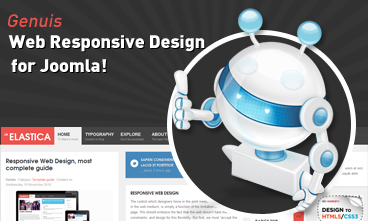
 Resize browser to see the magic. And experience the ride with your wide screen, laptop, ipad, kindle, iphone or any handheld device.
Parameters
- Детайли
- Главна категория: Sample Data-Articles
- Категория: Joomla!
- Създадена на Неделя, 12 Април 2026 14:32
- Последно обновена на Неделя, 12 Април 2026 14:32
- Публикувана на Понеделник, 30 Ноември -0001 00:00
- Написана от Joomla!
- Посещения: 14
As you make your Joomla! site using the extension you will control the details of the display using parameters. Parameters control everything from whether the author's name is displayed to who can view what to the number of items shown on a list.
Default parameters for each components are changed using the Options button on the component toolbar.
Parameters can also be set on an individual item, such as an article or contact and in menu links.
If you are happy with how your site looks, it is fine to leave all of the parameters set to the defaults that were created when your site was installed. As you become more experienced with Joomla! you will use parameters more.

 Etiam pellentesque magna id lacus imperdiet ac vulputate enim semper. Donec tincidunt.